
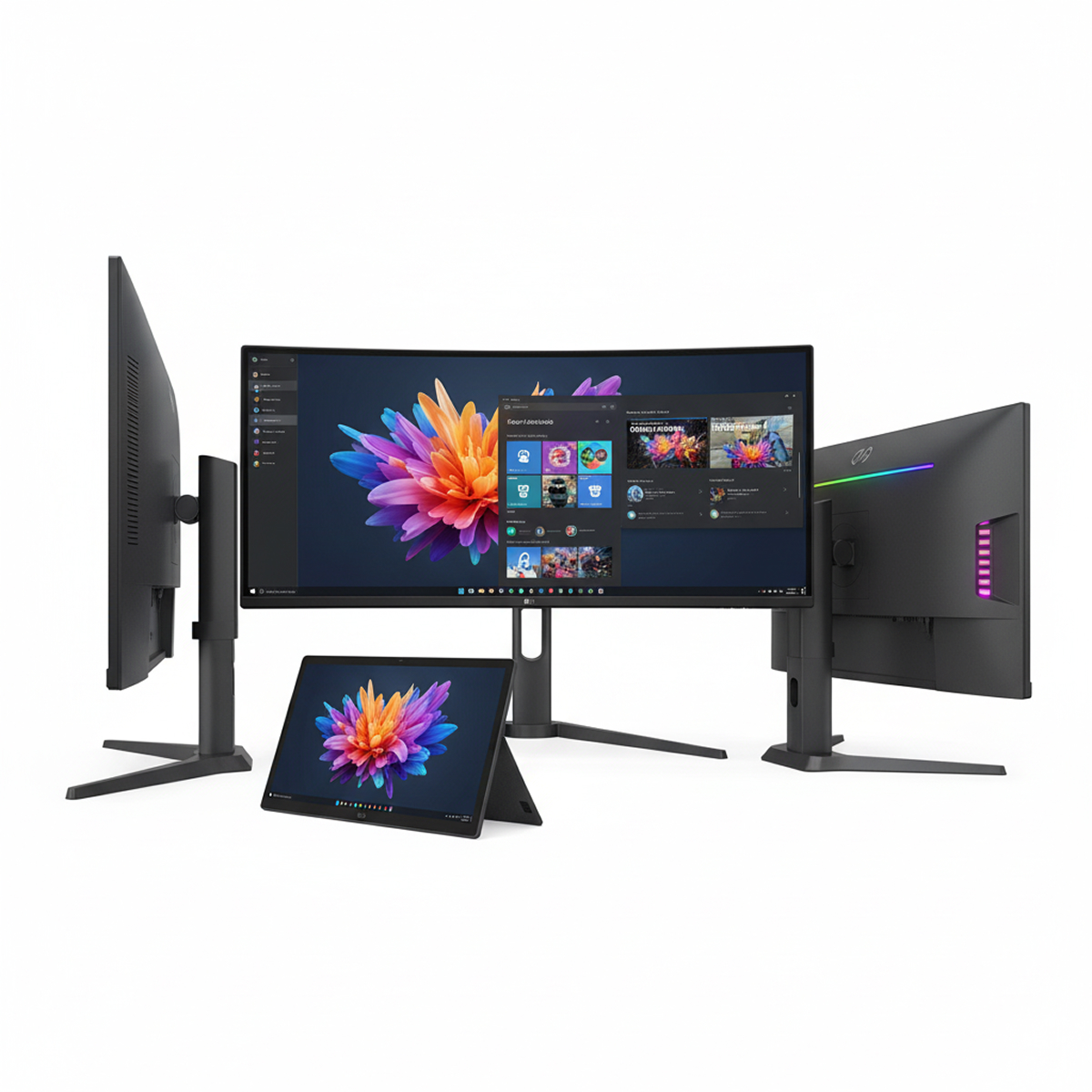
Description
Computer monitors refers to a visual display device used to output information from a computer. It’s the screen you look at to see what your computer is doing, what you’re typing, and what you’re viewing. Here’s a breakdown of what that phrase encompasses:
- Key Components and Characteristics
- Display Technology
This is the core of the monitor. Common technologies include:- LCD (Liquid Crystal Display)
Still prevalent, using liquid crystals to block or allow light. - LED (Light Emitting Diode)
Often used to backlight LCD panels, offering better contrast and energy efficiency. Technically, many “LED monitors” are actually LED-backlit LCD monitors. - OLED (Organic Light Emitting Diode)
Increasingly popular, each pixel emits its own light, resulting in superior contrast, true blacks, and faster response times. - IPS (In-Plane Switching)
A type of LCD panel known for excellent color accuracy and wide viewing angles. - TN (Twisted Nematic)
Another type of LCD panel, generally faster but with poorer color reproduction and viewing angles compared to IPS. - VA (Vertical Alignment) A balance between TN and IPS, offering good contrast ratios.
- LCD (Liquid Crystal Display)
- Display Technology



Reviews
There are no reviews yet.